M Hadi /
Editing how I write my edit before editing my edit.
Edit edit edit, edit edit. Editing edit.
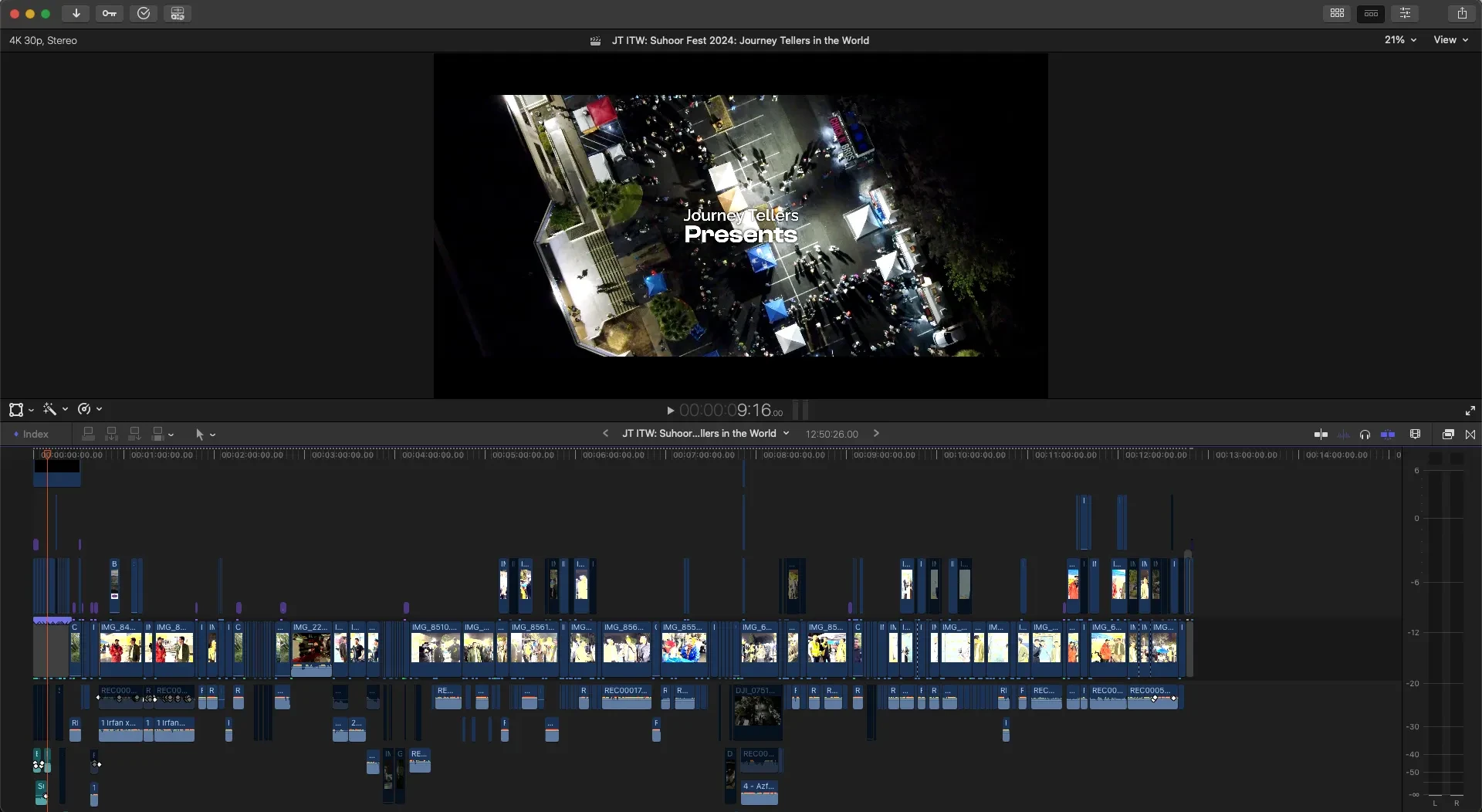
I’m tired of writing. I’ve been writing all day.
I wrote a newsletter today. Now I’m writing another one.
I wrote a Letter of Continued Interest for Santa Clara University because apparently I’m supposed to be doing that for private schools I got waitlisted for.
Apparently I also missed the deadline to send in those letters but… still worth a shot, I guess.
I’ve also been writing my next YouTube video. I know, that sounds strange.
A video’s meant to be edited, not written…
That’s what I used to think, at least. I was wrong.
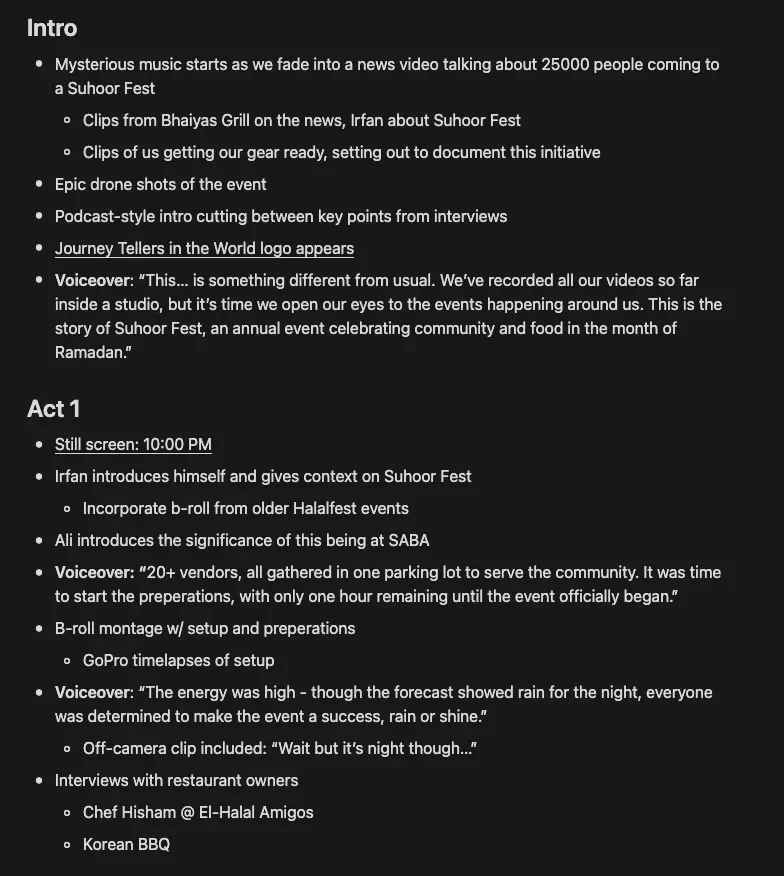
This is a skill I learned from the editors behind YouTube’s top creators. Think: MrBeast.
In the past, I’d take every single video file I have and dump it into an editing timeline.
I thought… tbh I have no clue what I was thinking.
Somehow I’d manage to go through every single clip and cut out stuff that I knew wasn’t necessary, then proceed to somehow “visualize” a story from those clips.
And that’s how I edited my videos for six years.
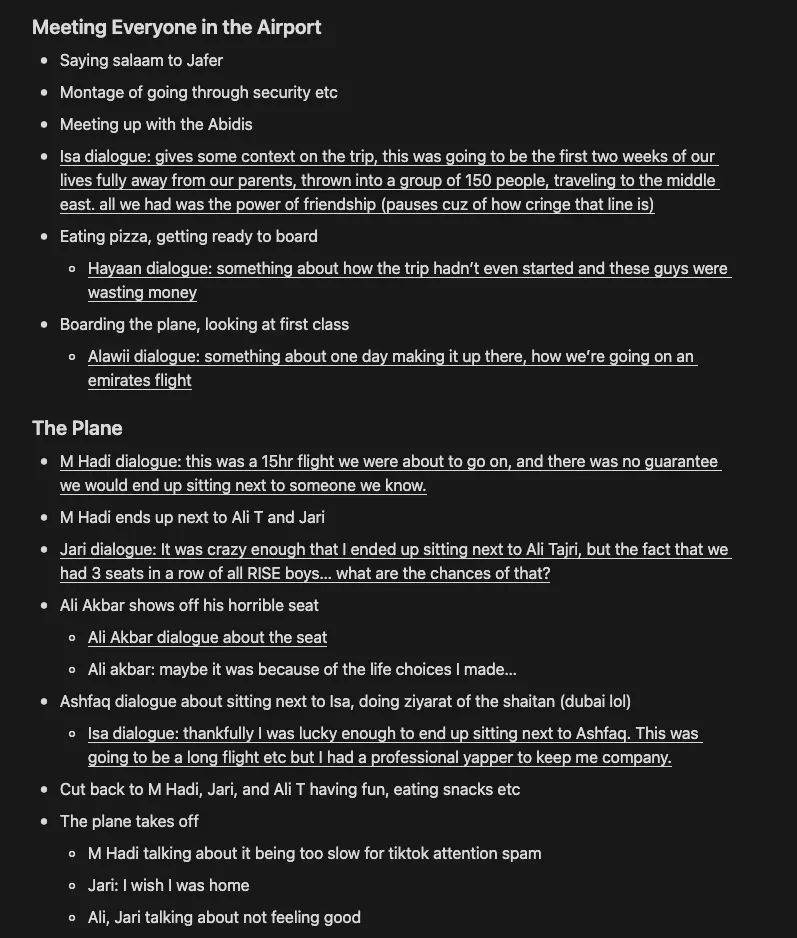
L:earning to edit my videos within a document before editing it in the actual timeline changed everything.
Sure, it’s extremely tiring… I have to watch every single clip and type down it’s contents.
But by going through this process, not only am I creating a macro view for myself to see the entire story, I’m also immersing myself with the content so I know exactly what I’m dealing with.
So if you’re ever interested in making a story from a whole bunch of random media, try creating a macro view of it—write the edit before you edit the edit.